> For the complete documentation index, see [llms.txt](https://docs.sevenpens.com/drawtab/llms.txt). Markdown versions of documentation pages are available by appending `.md` to page URLs; this page is available as [Markdown](https://docs.sevenpens.com/drawtab/troubleshoot/tsg-pen-display-flashing-colors.md).
# TSG: Pen display keeps flashing different colors every few seconds
## Overview
If your pen display is showing flashing colors every few seconds, it ultimately means that it is not getting a video signal. This is a different visual effect from the "NO SIGNAL" problem. See: [TSG: Pen display shows NO SIGNAL message](/drawtab/troubleshoot/tsg-no-signal.md)
## Symptoms
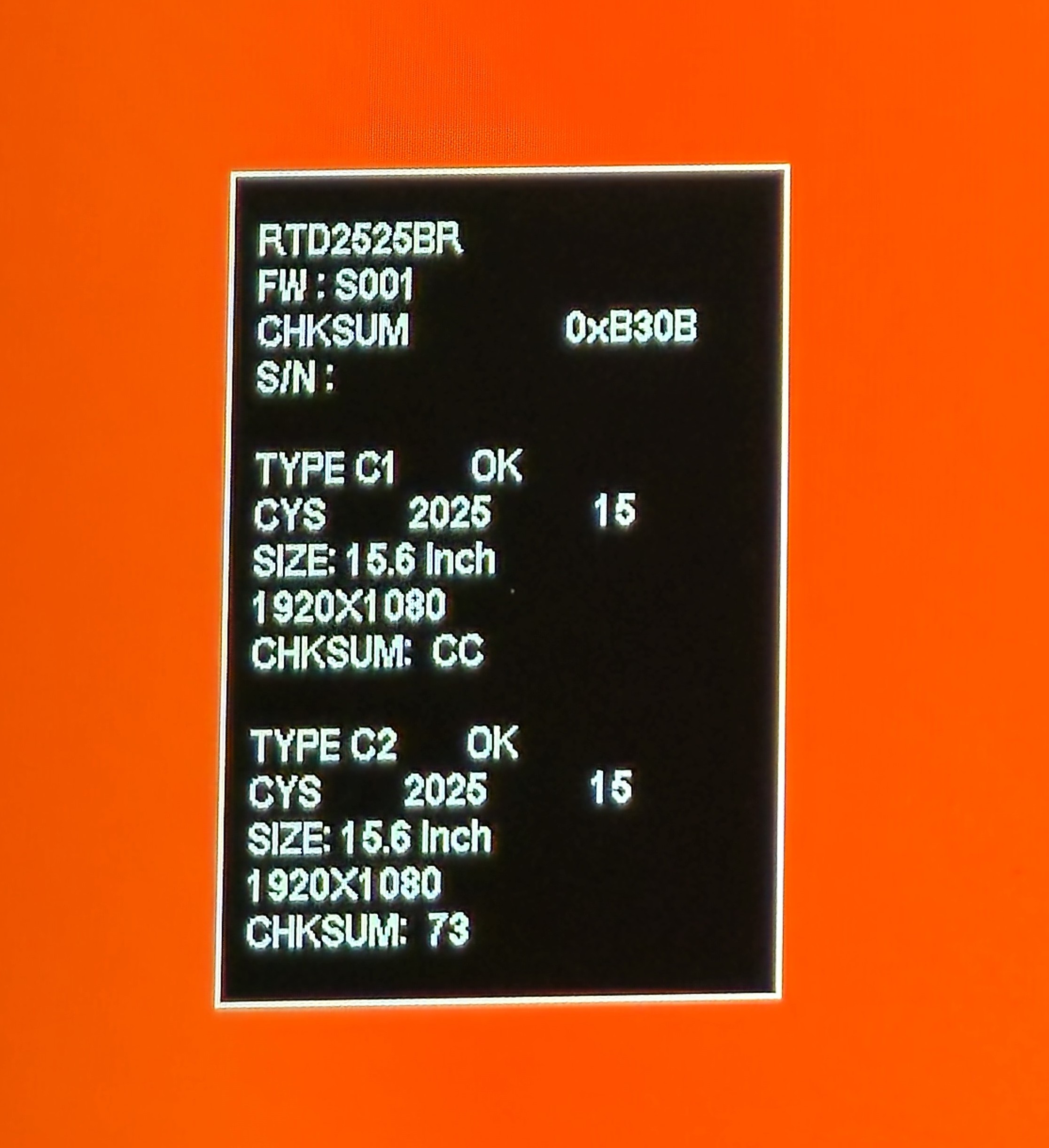
The screen cycles between a small set of colors. Usually the colors shown are RED, GREEN, BLUE, BLACK, and WHITE. Each color is shown for a few seconds before it switches to the next.
You may also see a box with various bits of technical information, such as Serial Number, Size, Resolution, and Checksums.
## Notes
* Since the screen is showing you a message, it's clear that power is NOT the problem. The tablet is getting enough power.
* In my experience:
* I've seen this happen when the computer is asleep or off, but still connected to the tablet.
* Port selection matters. I have seen it happen with some ports but not with others. For example, on one computer it happens if the video signal is coming from my computer's USB-C port but not when it is coming from a DisplayPort port.
.jpg?alt=media&token=2c3386bb-baa2-4904-b99a-16d3ad6696e4)
.jpg?alt=media&token=511e8ea2-50a1-4ee2-9c32-0168cfeebe17)
.jpg?alt=media&token=4c72359d-cd19-40b4-a3ff-0fd7bc9b7027)