> For the complete documentation index, see [llms.txt](https://docs.sevenpens.com/drawtab/llms.txt). Markdown versions of documentation pages are available by appending `.md` to page URLs; this page is available as [Markdown](https://docs.sevenpens.com/drawtab/guides/pen-displays/hdmi-adapters/dp-to-hdmi-adapters.md).
# DisplayPort to HDMI adapters
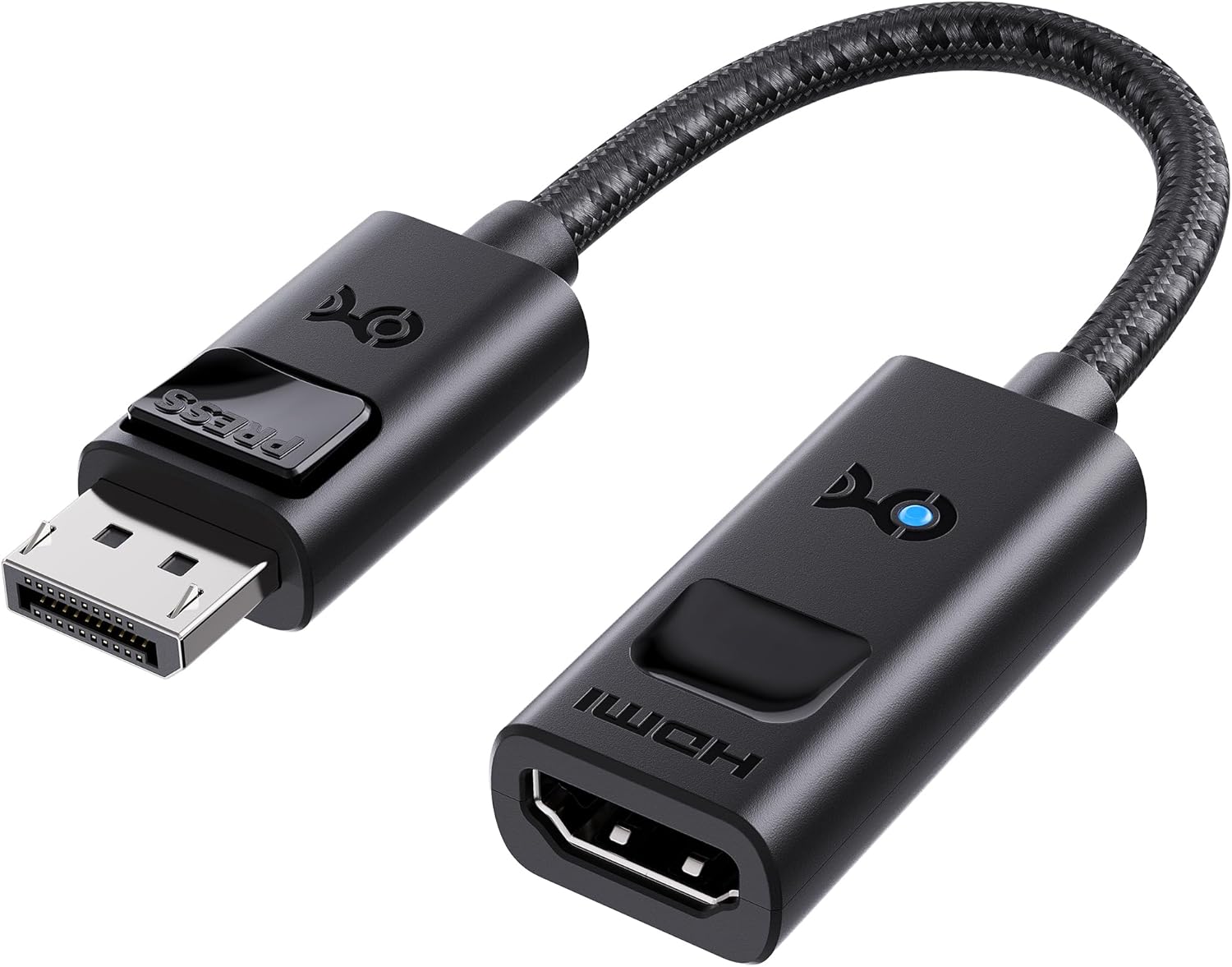
These will be MALE DisplayPort to FEMALE HDMI.
DisplayPort is the most popular video port on GPUs, so a DisplayPort-to-HDMI adapter is usually your most reliable option. I've used these many times and found them dependable.
**Quality**: There is no loss in quality when using this kind of adapter.
## DisplayPort connector shapes
DisplayPort comes in more than one shape, and they all do the same job:
* **Full-size DisplayPort** - the most common shape you'll see on a GPU.
* **Mini DisplayPort** - a smaller connector with the same performance and capabilities as full-size DisplayPort.
* **Thunderbolt 1 and Thunderbolt 2** - found on older MacBooks and Apple devices. These ports have the *same shape* as Mini DisplayPort and are essentially a superset of it, so any Mini DisplayPort adapter will fit and work.
Just make sure the adapter's connector matches the port shape you have.
**Tip**
* Make sure any adapter you buy meets your needs for your drawing tablet's resolution and refresh rate.
**What I use**
* DisplayPort - for a 4K display up to 240Hz -
* Display Port - For a 1980x1080 display at 60Hz:
* Mini DisplayPort - for 1980x1080 display at 60Hz: