> For the complete documentation index, see [llms.txt](https://docs.sevenpens.com/drawtab/llms.txt). Markdown versions of documentation pages are available by appending `.md` to page URLs; this page is available as [Markdown](https://docs.sevenpens.com/drawtab/core/active-area/active-area-mapping.md).
# Active area mapping
## Overview
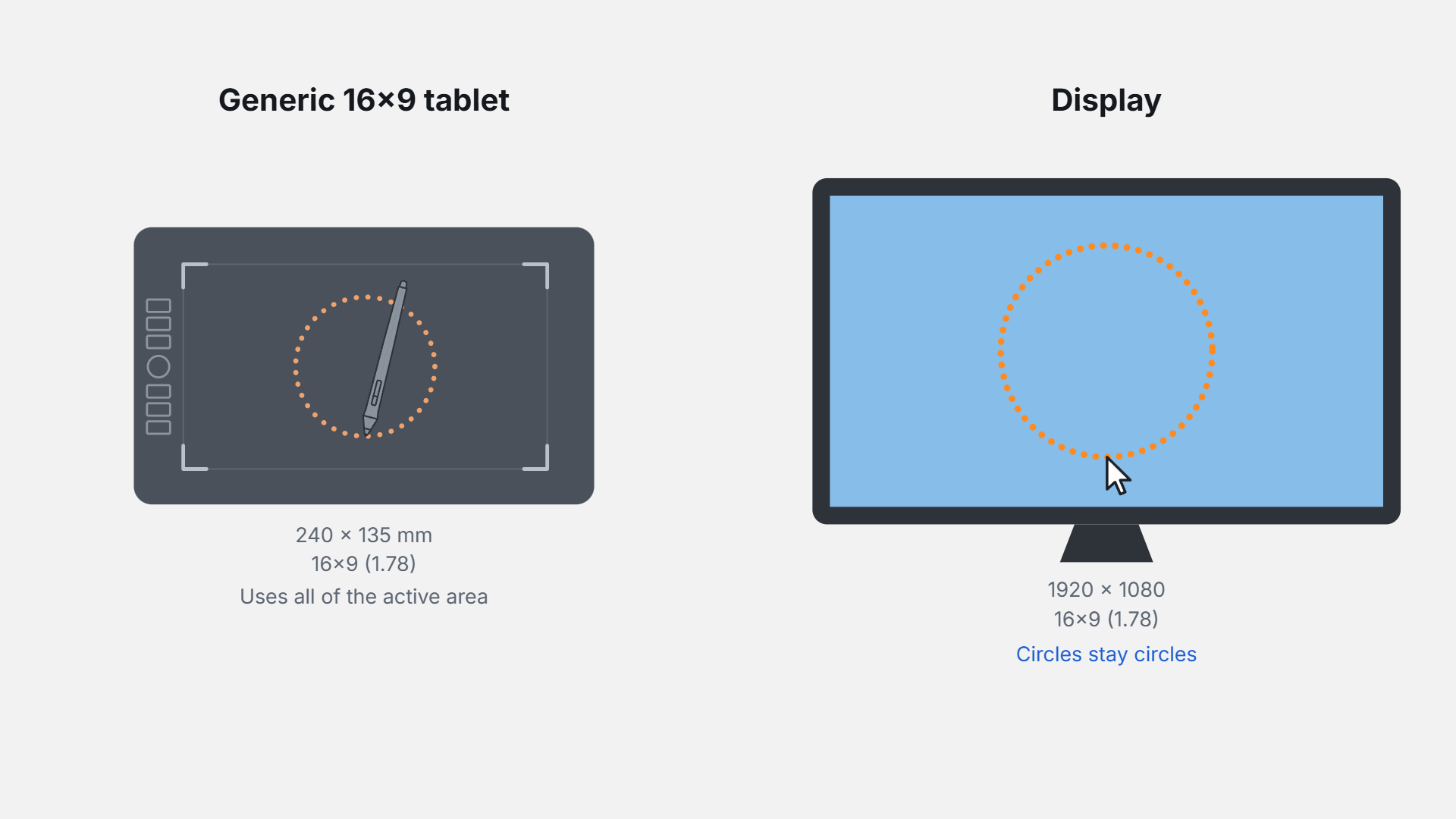
Mapping is how the tablet driver translates the position of the pen on the EMR sensor, also called the digitizer, to a position on the display.
## Mapping for pen displays
For pen displays, mapping is relatively straightforward because the digitizer and the display are built into the same device.
## Mapping for pen tablets
To start with, mapping for pen tablet is a little more complex because the pen and the display are physically separate.
Active area mapping is a surprisingly complex topic because it must work in different situations, such as single-monitor and multi-monitor setups. It is also highly configurable and can even change dynamically at the press of a button.
For pen tablets (screenless tablets) mapping is the most complex, since the digitizer and the display are separate devices.
### Dealing with mismatched aspect ratios
Because the tablet's active area and the display may have different aspect ratios, distortion can be introduced unless you enable Force Proportions: [Matching aspect ratios with Force Proportions](/drawtab/guides/customizing/force-proportions.md)
## Display Toggle for pen tablets and multiple monitors
When multiple monitors are in use, you can have the tablet switch between mapping to each monitor at the click of a button. See [Display toggle](/drawtab/core/active-area/display-toggle.md).