> For the complete documentation index, see [llms.txt](https://docs.sevenpens.com/drawtab/llms.txt). Markdown versions of documentation pages are available by appending `.md` to page URLs; this page is available as [Markdown](https://docs.sevenpens.com/drawtab/core/active-area/active-area-aspect-ratio.md).
# Active area aspect ratio
## Introduction
The aspect ratio of your drawing tablet's [active area](/drawtab/core/active-area.md) can have a big impact on how good it feels to draw on.
## Basics
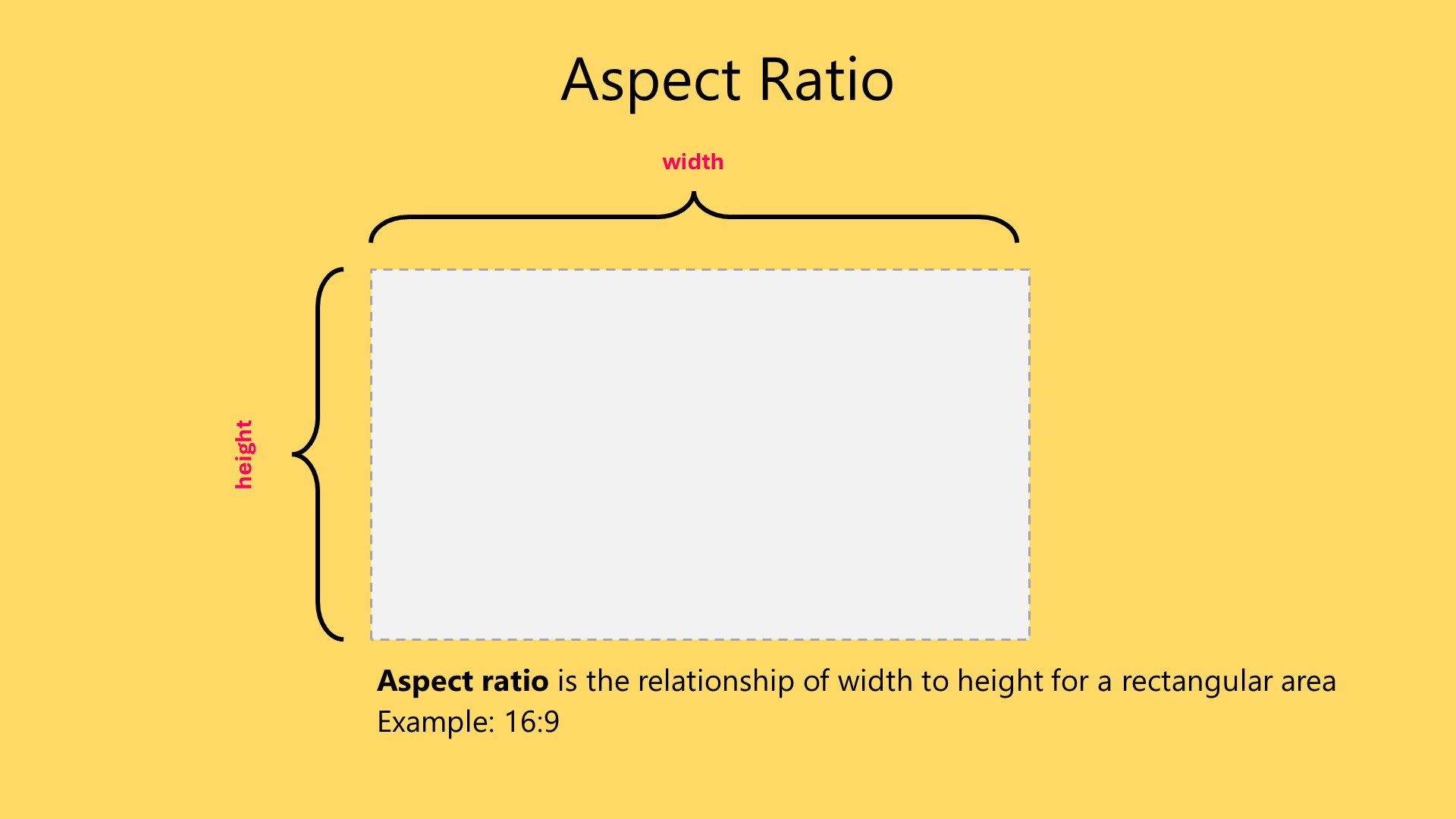
Any rectangular area has an aspect ratio, which is the relationship between its width and height. Usually, we express it as a ratio such as `16:9` or `16:10`.
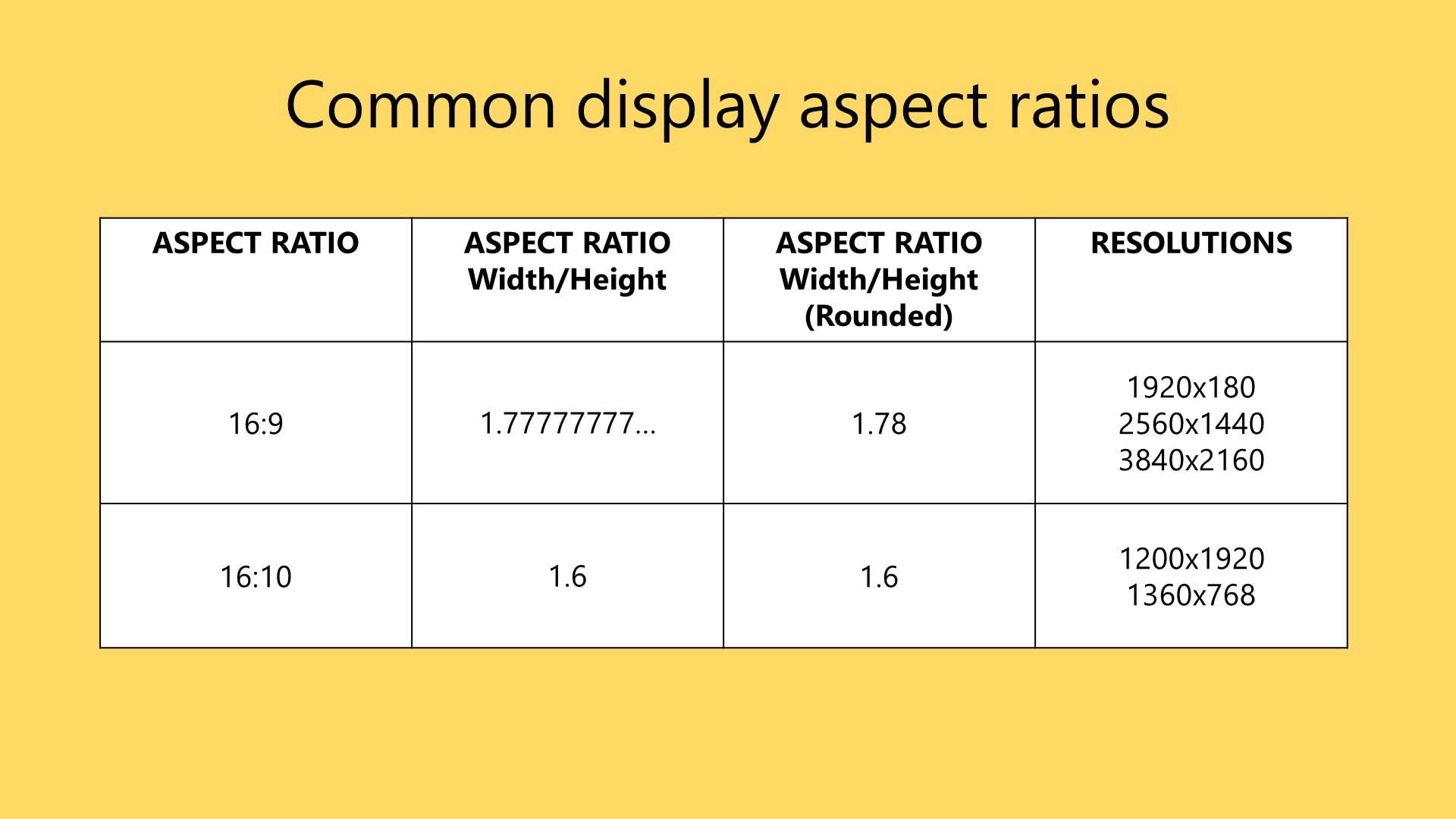
Displays tend to have aspect ratios such as `16:9` and `16:10`. `16:9` is the most common.
## Aspect ratio mismatches with pen tablets (IMPORTANT)
If you are using a pen tablet, its aspect ratio most likely does not match your monitor's. This causes distortion when you draw.
This creates a weird and unpleasant drawing feel. You can fix it by forcing the aspect ratios to match. More here: [Matching aspect ratios with Force Proportions](/drawtab/guides/customizing/force-proportions.md).
## Pen displays and aspect ratios
The active area of a pen display and the display panel inside it are equivalent. So they always match.
## Reference
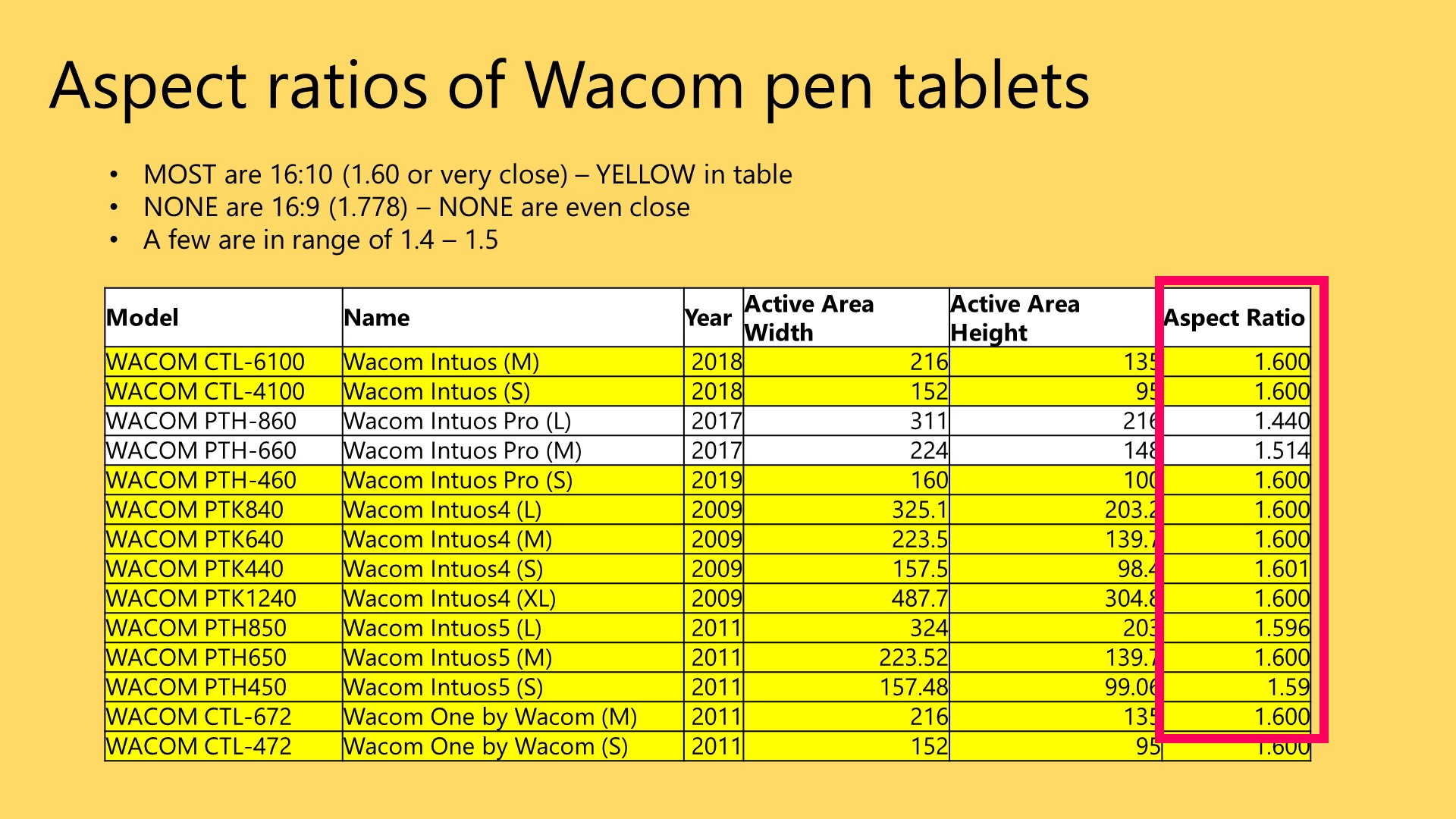
### A survey of aspect ratios of Wacom pen tablets
As of 2023, NONE of Wacom's pen tablets have an exact 16:9 aspect ratio.
##