> For the complete documentation index, see [llms.txt](https://docs.sevenpens.com/drawtab/llms.txt). Markdown versions of documentation pages are available by appending `.md` to page URLs; this page is available as [Markdown](https://docs.sevenpens.com/drawtab/catalog/apps/wacom-canvas.md).

# Wacom Canvas

## Overview

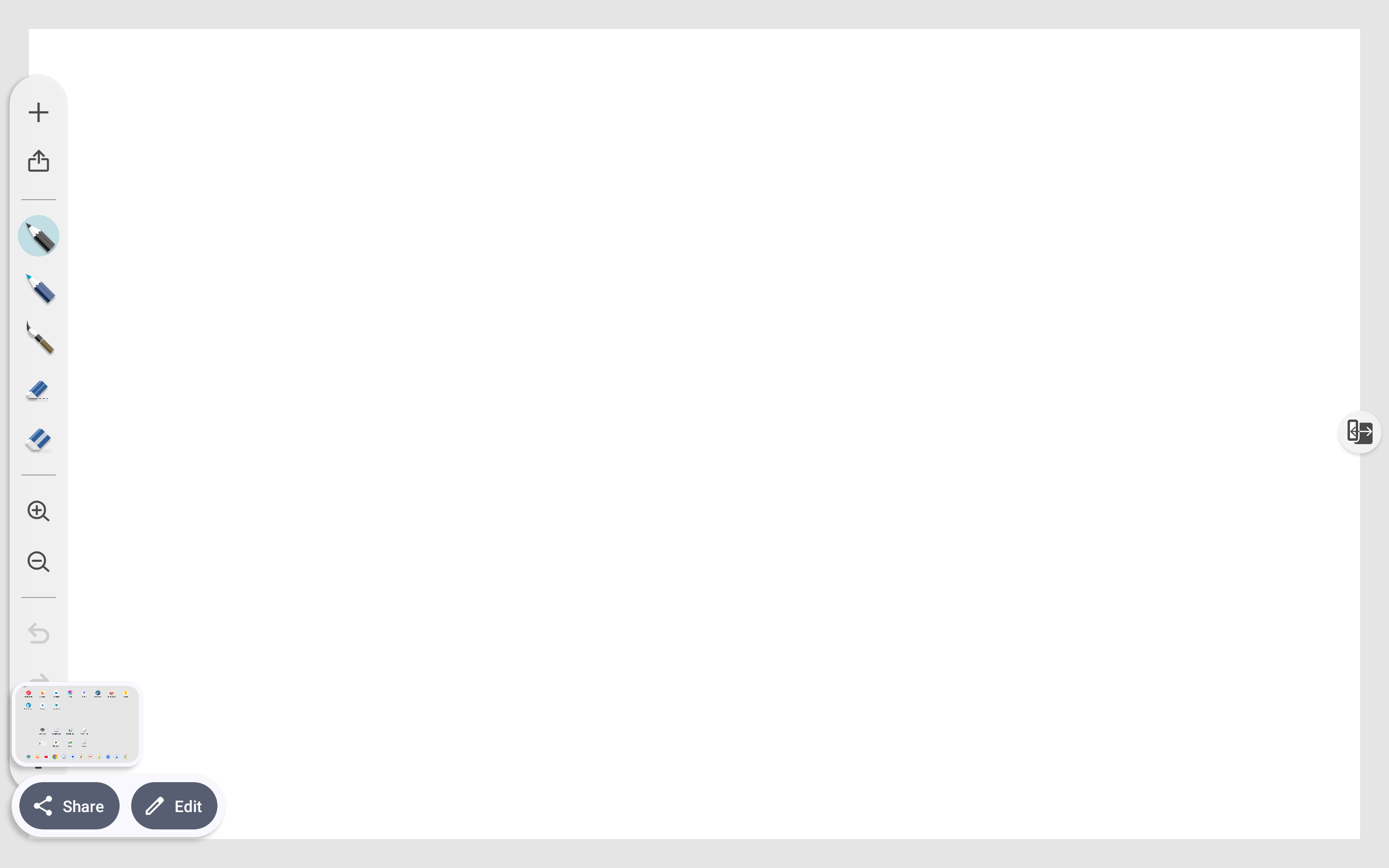
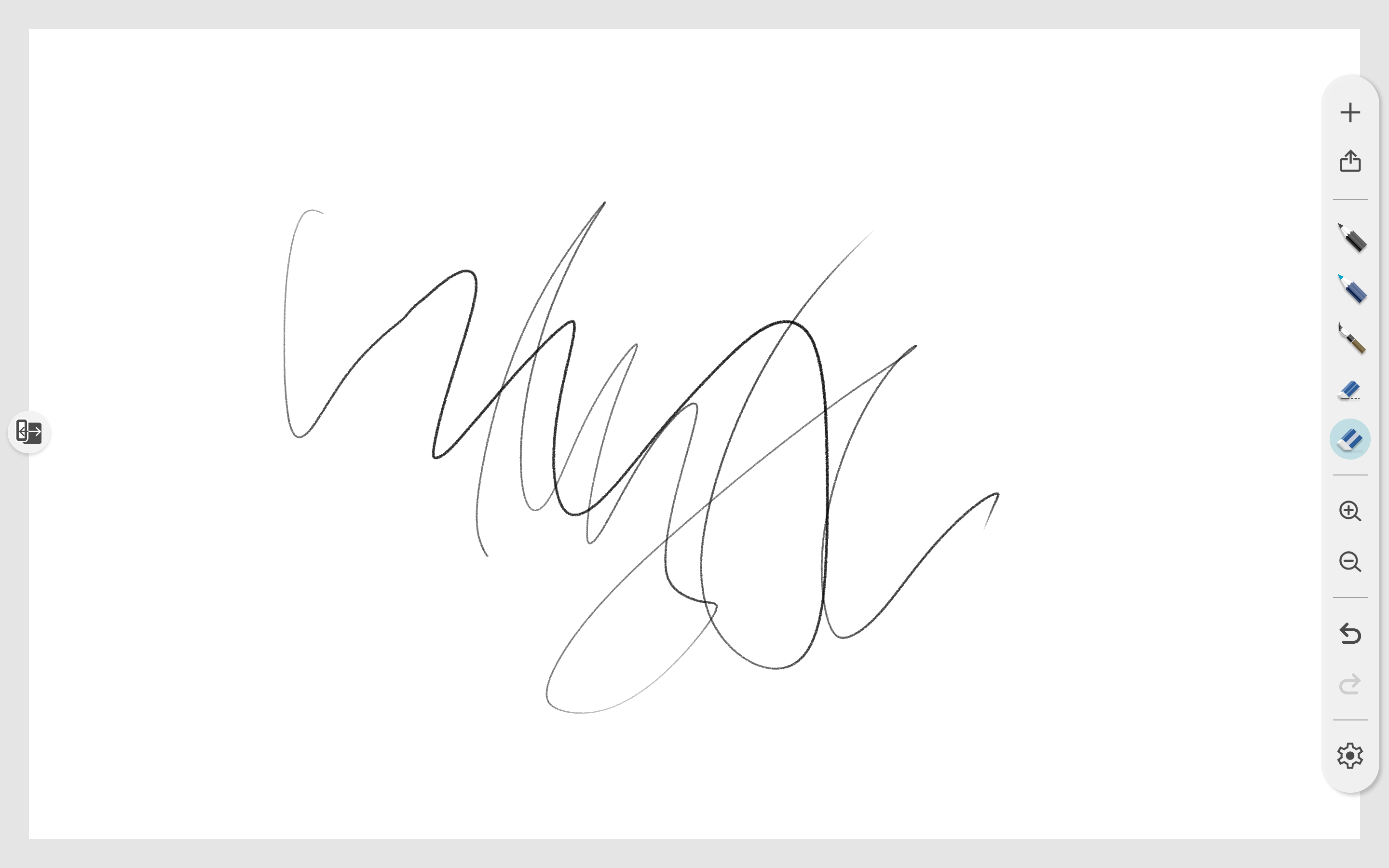
Wacom Canvas is an app that comes with Wacom MovinkPad tablets.

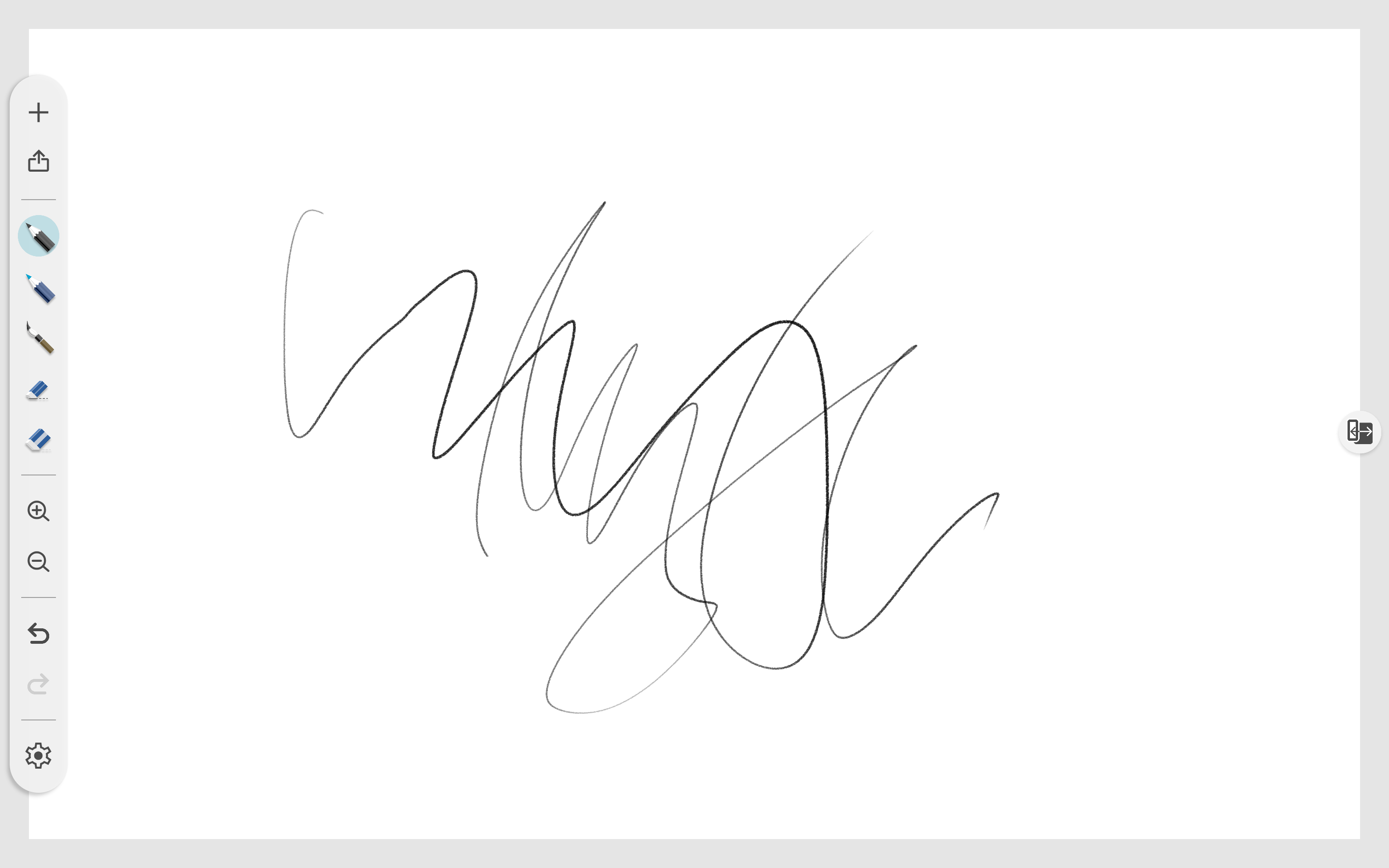
It is a simple app with limited features. Despite this, it is incredibly useful as a way to draw the moment inspiration hits.

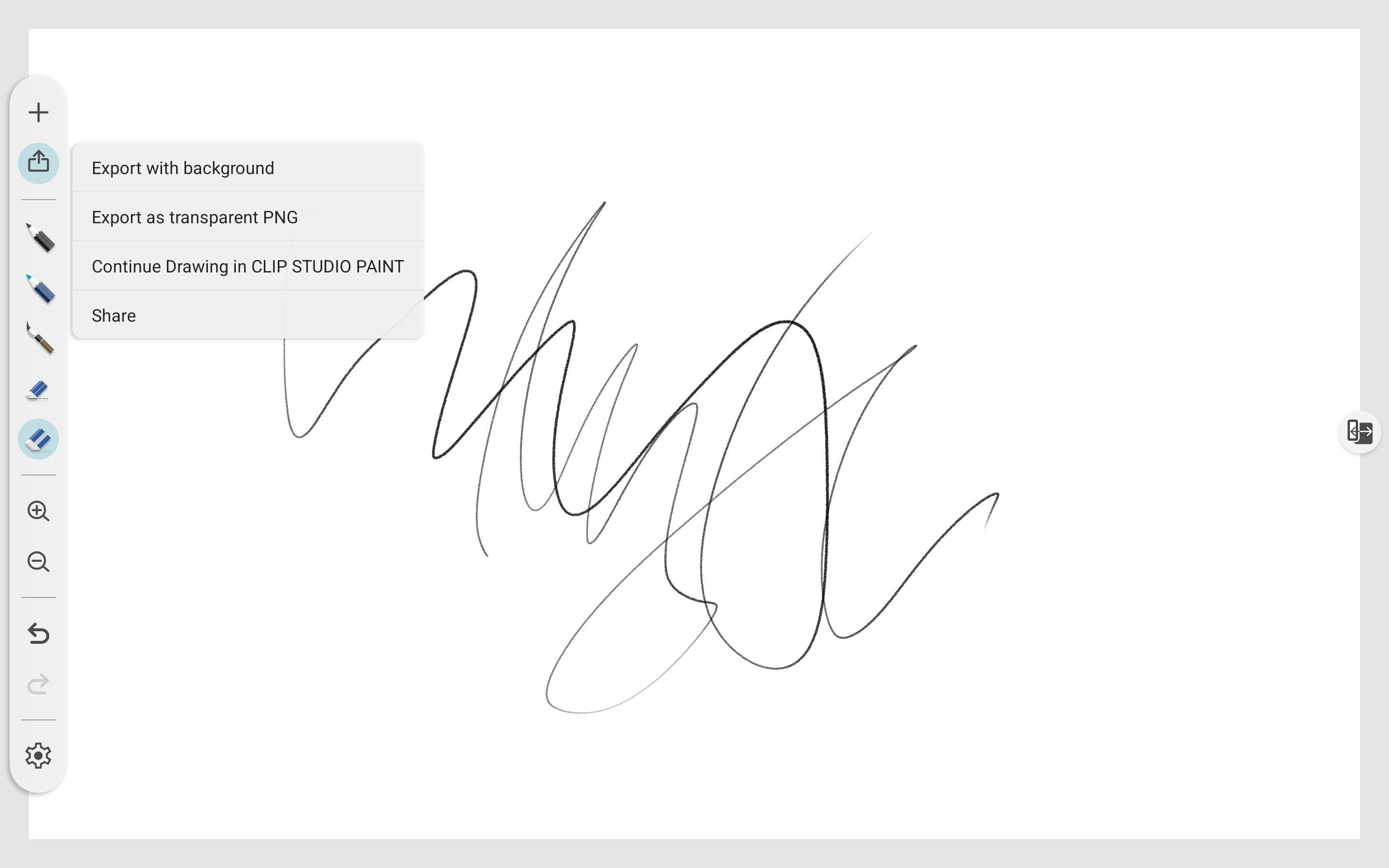
If you want to refine your sketch, you can transfer the drawing to Clip Studio Paint.

## Platforms

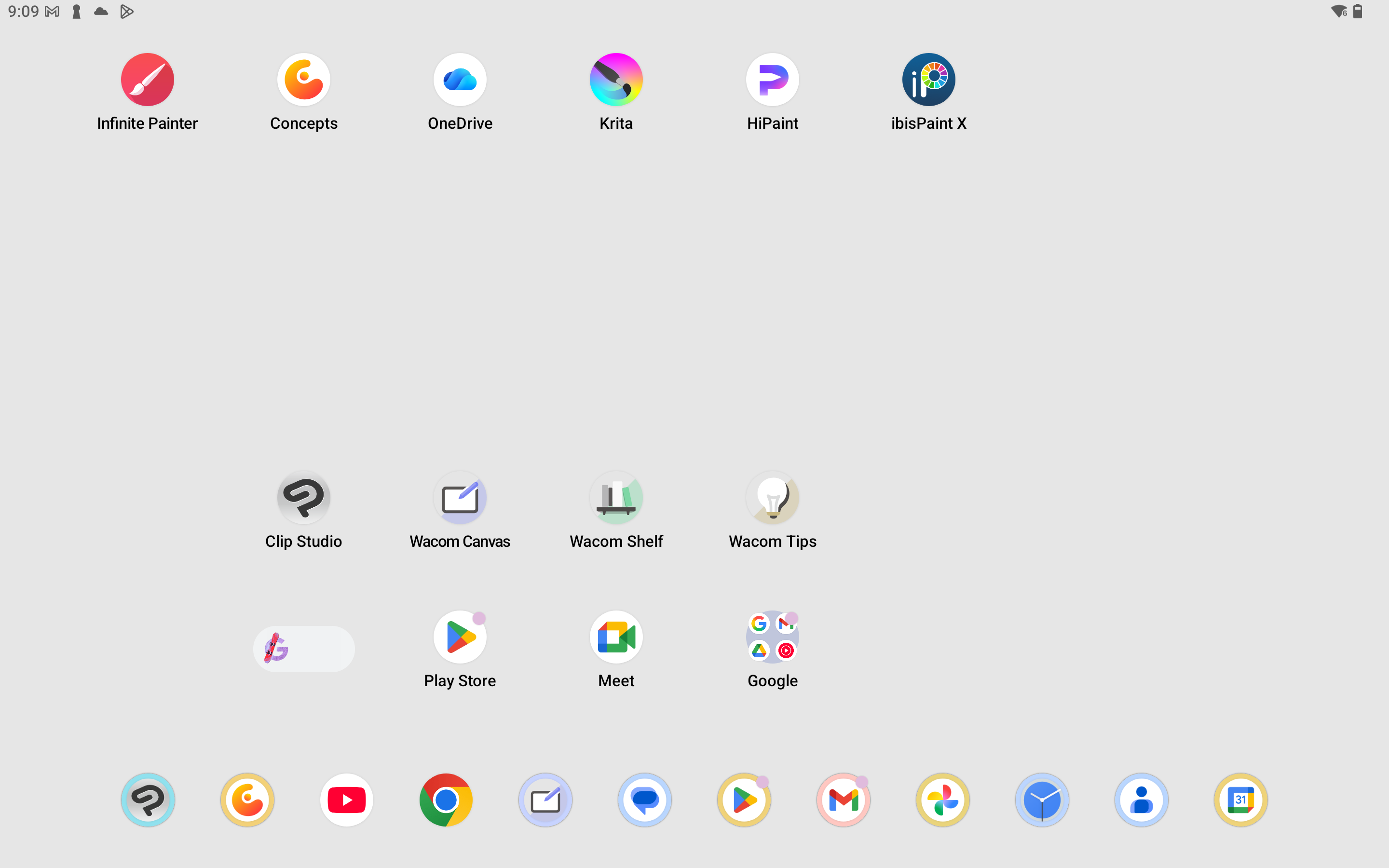
Wacom Canvas is for Android only.

It does not run on and is not available on other platforms such as Windows, MacOS, iPad, Linux, etc.

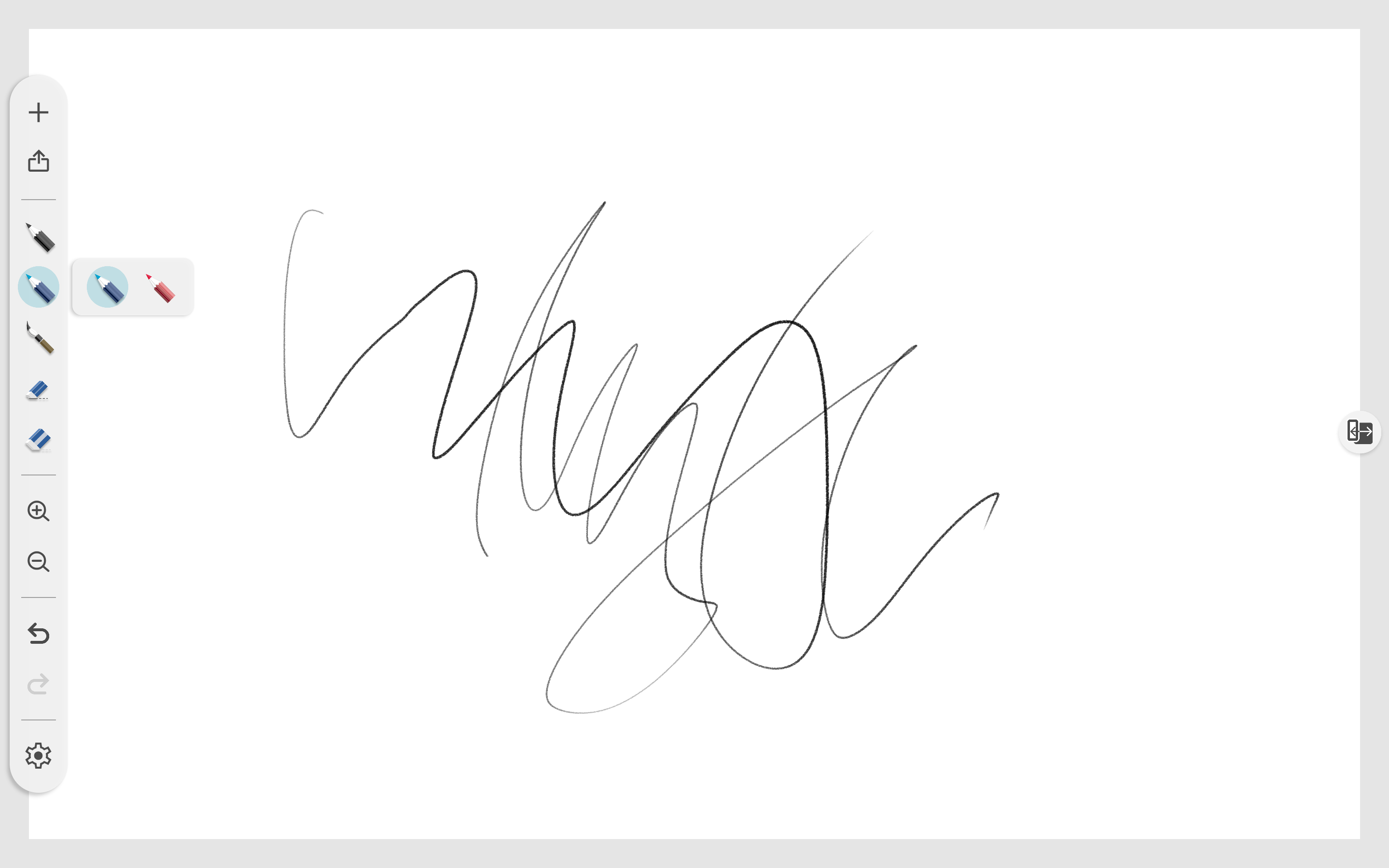
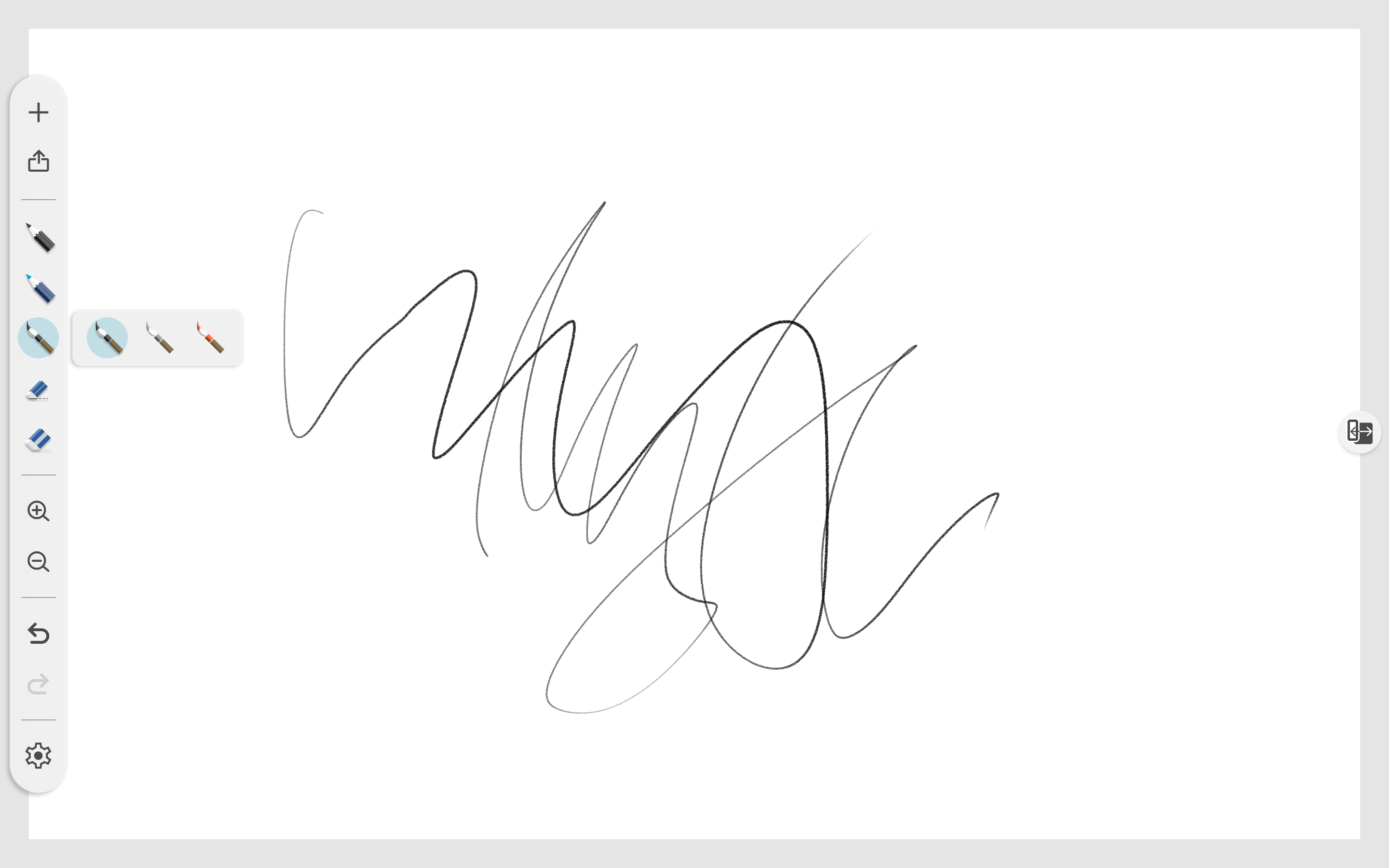
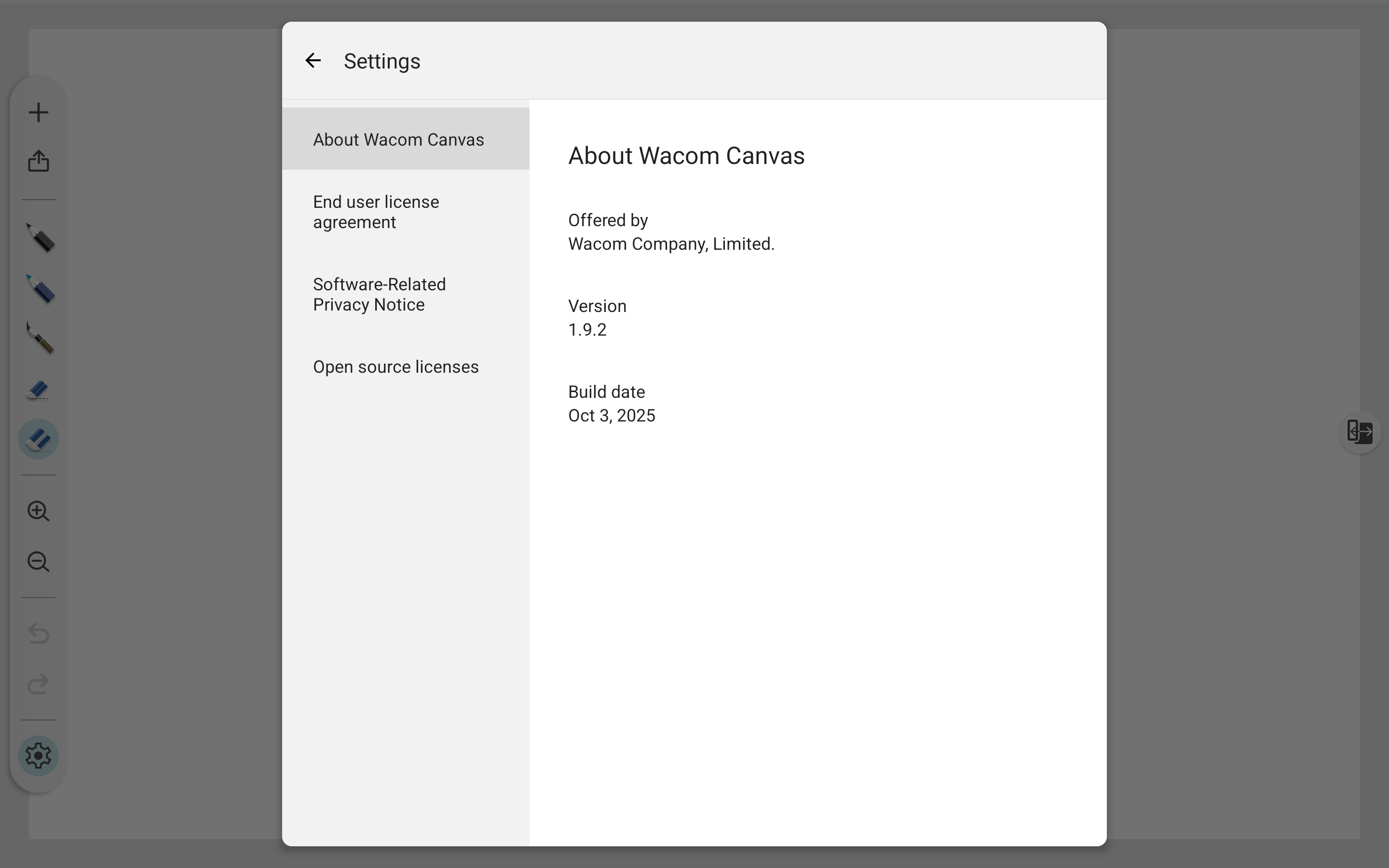
## Screenshots (ver 1.9.2)
<figure><img src="https://1457921496-files.gitbook.io/~/files/v0/b/gitbook-x-prod.appspot.com/o/spaces%2FNde0PQIvNcFZNVxuTO0G%2Fuploads%2FJ7w2KaVg4LZkUXLfsAtb%2FScreenshot_20260218-210935.png?alt=media&amp;token=fafd0697-5560-44e8-b13c-e692fc58ea09" alt=""><figcaption></figcaption></figure>

<figure><img src="https://1457921496-files.gitbook.io/~/files/v0/b/gitbook-x-prod.appspot.com/o/spaces%2FNde0PQIvNcFZNVxuTO0G%2Fuploads%2FNkmyQVLRUoyTjVLKsNCR%2FScreenshot_20260218-210942.png?alt=media&amp;token=8b622d13-4319-4a35-9c43-71437c7edea8" alt=""><figcaption></figcaption></figure>

<figure><img src="https://1457921496-files.gitbook.io/~/files/v0/b/gitbook-x-prod.appspot.com/o/spaces%2FNde0PQIvNcFZNVxuTO0G%2Fuploads%2FzMRK4gsV6lX5xS0hwvUf%2FScreenshot_20260218-211003.png?alt=media&amp;token=00e154b0-37a2-4e9f-ae6a-db2465b859b0" alt=""><figcaption></figcaption></figure>

<figure><img src="https://1457921496-files.gitbook.io/~/files/v0/b/gitbook-x-prod.appspot.com/o/spaces%2FNde0PQIvNcFZNVxuTO0G%2Fuploads%2F97dt7tRqbyVD5prKyQmc%2FScreenshot_20260218-211011.png?alt=media&amp;token=60c5e801-7cc3-455e-aaeb-9b0ad69baffe" alt=""><figcaption></figcaption></figure>

<figure><img src="https://1457921496-files.gitbook.io/~/files/v0/b/gitbook-x-prod.appspot.com/o/spaces%2FNde0PQIvNcFZNVxuTO0G%2Fuploads%2Fa5xp4f5tTw5H2LbhSsXP%2FScreenshot_20260218-211057.png?alt=media&amp;token=b727fa95-2c11-4a51-9401-0e3f18a9dedf" alt=""><figcaption></figcaption></figure>

<figure><img src="https://1457921496-files.gitbook.io/~/files/v0/b/gitbook-x-prod.appspot.com/o/spaces%2FNde0PQIvNcFZNVxuTO0G%2Fuploads%2FyvBi9ZjtQDiUWO4m3m5g%2FScreenshot_20260218-211110.png?alt=media&amp;token=6818e4c0-3ec1-4862-a41f-e284ddb488aa" alt=""><figcaption></figcaption></figure>

<figure><img src="https://1457921496-files.gitbook.io/~/files/v0/b/gitbook-x-prod.appspot.com/o/spaces%2FNde0PQIvNcFZNVxuTO0G%2Fuploads%2F2WojJGykvjhIjyv7TQNw%2FScreenshot_20260218-211122.png?alt=media&amp;token=75ae2014-39a7-4a0c-9d83-b78a7fd1e199" alt=""><figcaption></figcaption></figure>

<figure><img src="https://1457921496-files.gitbook.io/~/files/v0/b/gitbook-x-prod.appspot.com/o/spaces%2FNde0PQIvNcFZNVxuTO0G%2Fuploads%2FMkZlX4As1LdLvSavlC9K%2FScreenshot_20260218-211136.png?alt=media&amp;token=ea638850-1919-4c15-8fe0-2501c3926c11" alt=""><figcaption></figcaption></figure>